

Personal information
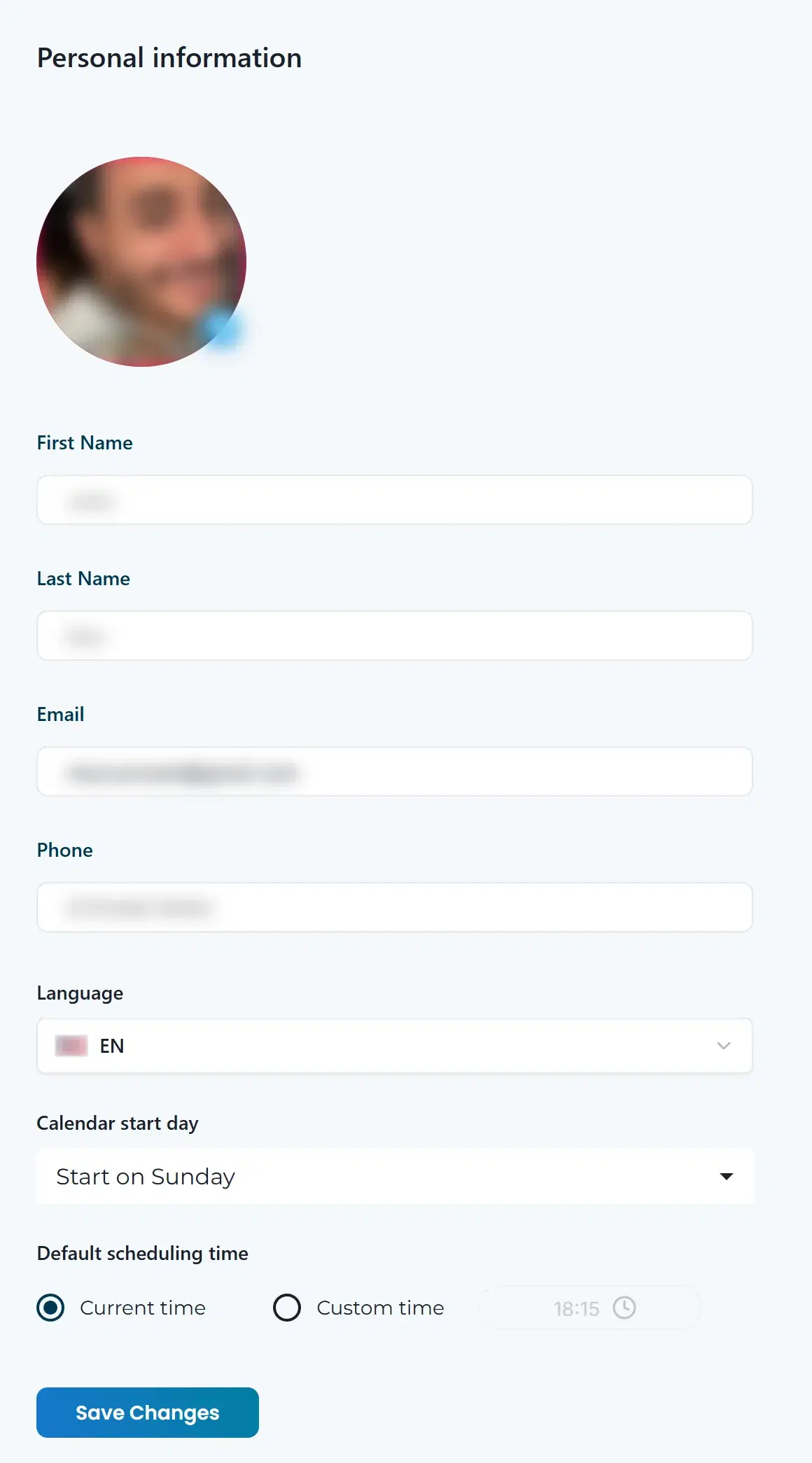
Open Personal information in your account menu to update your profile and a few defaults. Click Save Changes when you’re done.
Your profile
- Photo: click the small image icon on your photo to upload a new one.
- First Name and Last Name.
- Phone.
- Email is shown for reference. You can’t change it here.
Preferences
- Language: the language of the app.
- Calendar start day: Start on Sunday or Start on Monday.
- Default scheduling time: new messages start at the Current time, or pick Custom time and set a time.
Delete your account
Under Delete Account, click Delete. This permanently deletes your account and all its data. It can’t be undone.