

Security settings
Open Security in your account menu to change your password.
Change your password
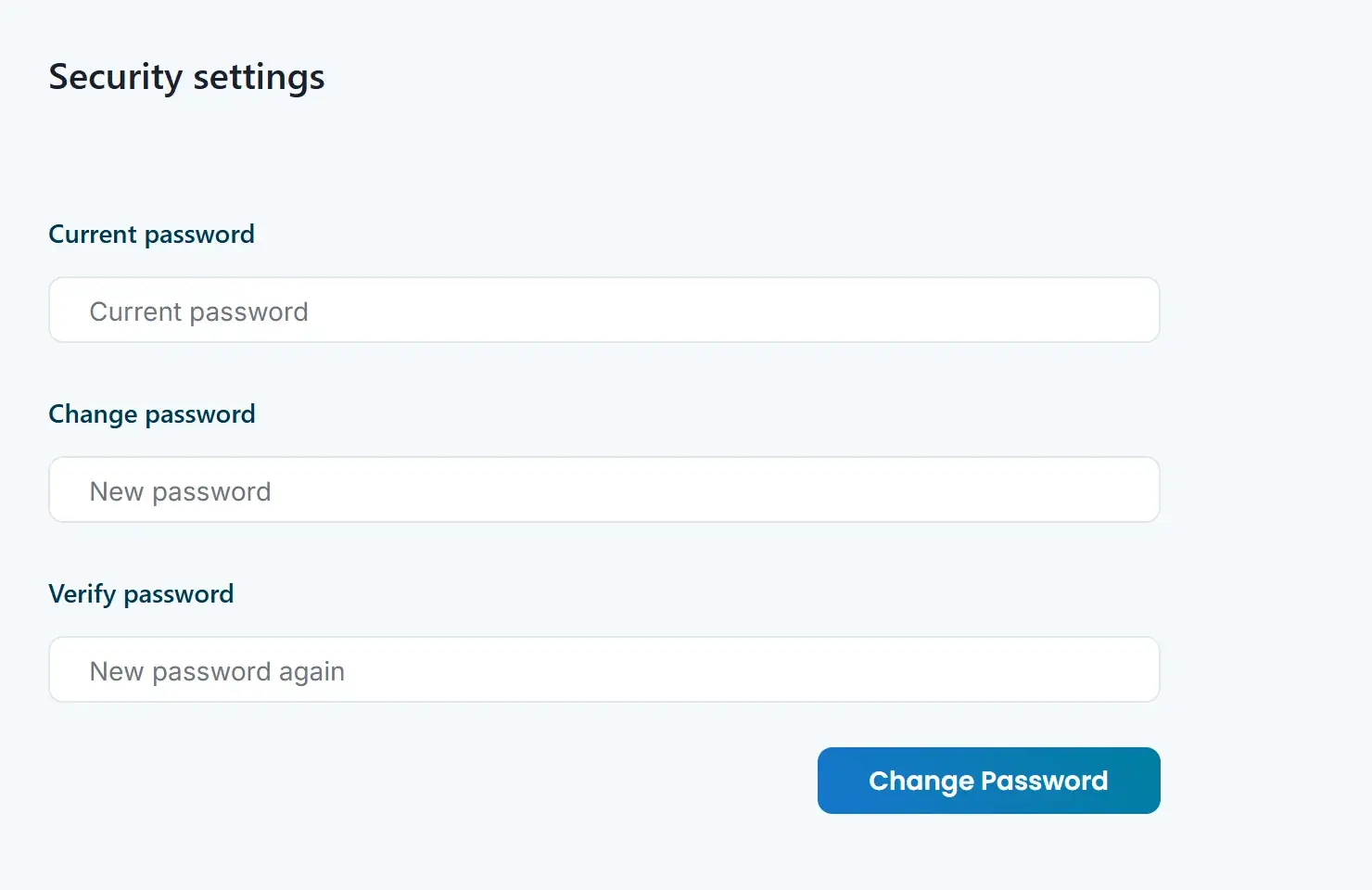
- Under Current password, enter the password you use now.
- Under Change password, enter a new password. It needs at least 6 characters.
- Under Verify password, enter the new password again.
- Click Change Password.
You’ll see “Password changed successfully” when it’s done.
Choose a strong password
- Use a password you don’t use on any other site.
- Make it long. A password manager can create and remember one for you.